 by Ashikur Rahman
Blog
by Ashikur Rahman
Blog
How to Repurpose Content Using Unifire AI: Boost Engagement
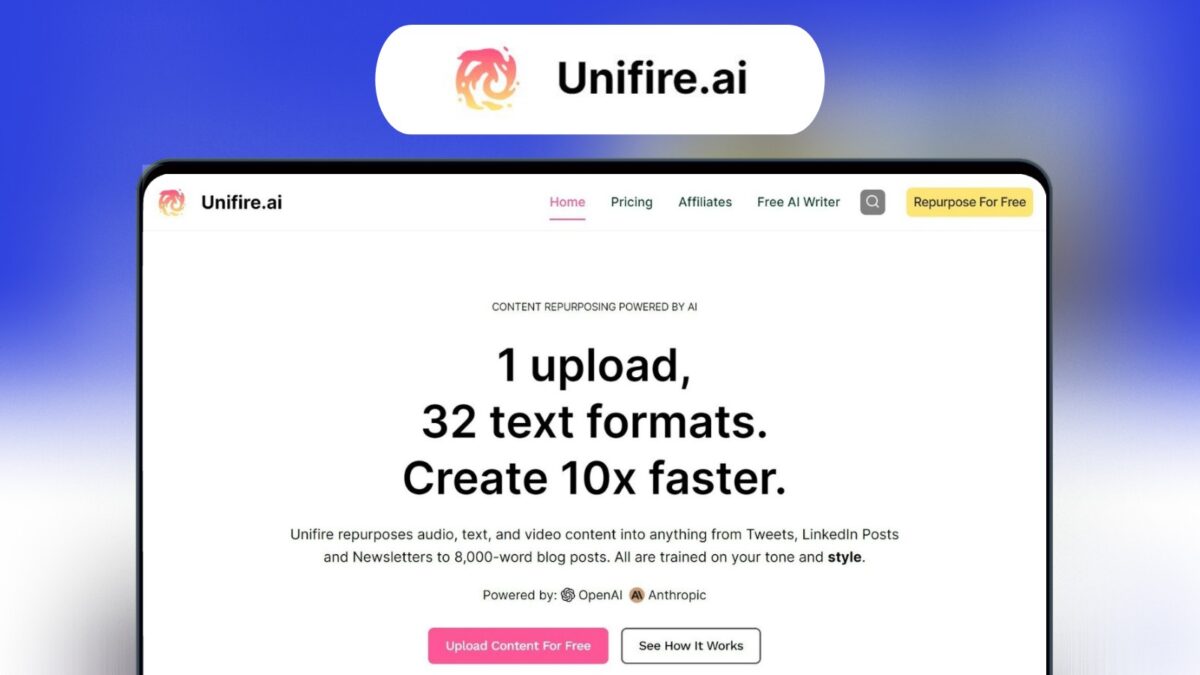
Creating new content all the time can be hard. Wouldn’t it be great to use your best work in many ways? With Unifire Ai, you can do just that! This tool helps you turn one piece of content into over 30 different formats.
What is Unifire Ai?
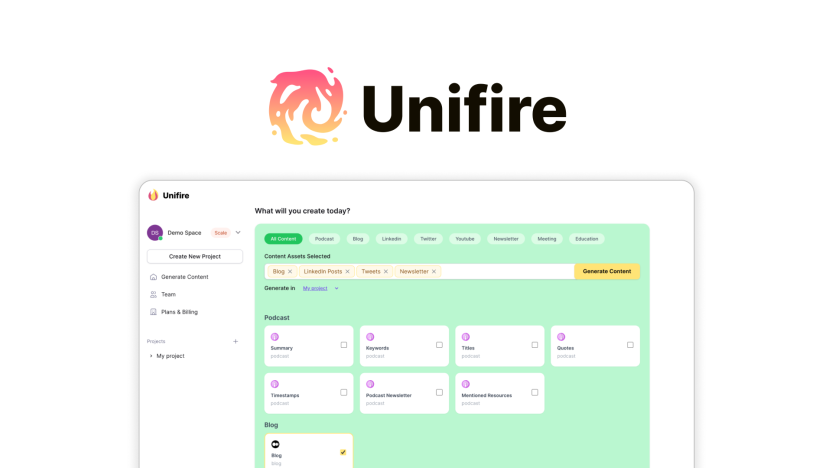
Unifire Ai is a super cool tool that helps you change one piece of content into many different types. It’s like having a magic wand for your content! You can make social media posts, blog posts, newsletters, and more. All this without spending hours thinking of new ideas.
Why Use Unifire Ai?
- It saves you time.
- You get more out of your best content.
- You can use it in many different ways.
How to Use Unifire Ai
Step 1: Upload Your Content
First, you need to upload your content. This could be a blog post, a video, or even an audio file. You can copy-paste the text, add a YouTube link, or upload a media file.
Step 2: Guide The Ai
Next, you give the AI some instructions. This helps the AI know what you want. The more details you give, the better the results.
Step 3: Transform Your Content
Now, watch the magic happen! Unifire Ai will turn your content into over 30 different formats. You can get tweets, LinkedIn posts, newsletters, and more.
Features of Unifire Ai
Repurpose Content
Unifire Ai can turn your content into over 30 different types of written assets. This includes social media posts, blog articles, and newsletters.
Accurate Transcriptions
Unifire Ai has a very good AI transcriber. It can turn your audio or video content into text. It supports many languages like English, Spanish, French, and German.
Content Outlines
You can also make detailed outlines for your content. This is useful for long videos or audio files. You can edit these outlines to make them perfect.
Social Media Templates
Unifire Ai has over 30 social media templates. These help you make posts quickly. You can make tweets and LinkedIn posts easily.
Benefits of Using Unifire Ai
Using Unifire Ai has many benefits. It saves you time and makes your content more useful. Here are some of the key benefits:
| Benefit | Description |
|---|---|
| Time-Saving | Transform content quickly without spending hours. |
| Versatile | Use the same content in many different ways. |
| Cost-Effective | One-time payment for lifetime access. |
Who Should Use Unifire Ai?
Unifire Ai is great for many people. Here are some examples:
- Content creators
- Marketing agencies
- Social media managers
Integrations
Unifire Ai works well with other tools. You can integrate it with Airtable, Make, and Zapier. This makes it even more powerful.
Final Thoughts
Don’t struggle with creating new content all the time. Use Unifire Ai to repurpose your content quickly and easily. It’s a great tool that saves you time and effort. Transform your content into 30+ formats in minutes with Unifire Ai.
Get Started Today
Ready to make your content work harder for you? Get Unifire Ai today and start repurposing your content like a pro!
Frequently Asked Questions
What Is Unifire.ai?
Unifire. ai is an AI platform for repurposing content into over 30 formats.
How Does Unifire.ai Work?
Upload your content, guide the AI, and receive multiple content formats.
Can Unifire.ai Transcribe Content?
Yes, it accurately transcribes audio and video content into text.
What Content Formats Can Unifire.ai Create?
It generates tweets, LinkedIn posts, newsletters, and more.


