
 by Ashikur Rahman
Blog
by Ashikur Rahman
Blog
Videotopage Lifetime Deal: Unleash Unlimited Creativity
Are you tired of manually transcribing your video and audio content? Do you wish there was an easier way to turn your recordings into detailed, SEO-friendly blog posts? Look no further! The Videotopage Lifetime Deal is here to help.
What is Videotopage?
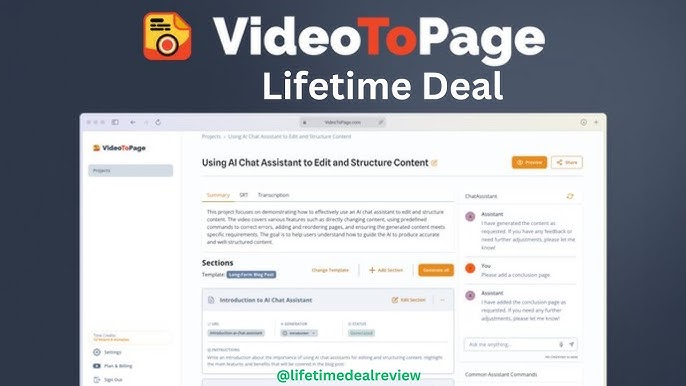
Videotopage is an AI-powered tool that transforms video and audio content into text. It helps create tutorials, blog posts, and standard operating procedures (SOPs). This tool makes content creation quick and easy.
Key Features of Videotopage
- Transcribe video and audio content into text.
- AI cleans up and structures the content.
- Dynamic chatbot assistance for edits.
- Real-time rich text editor.
- Direct publishing to WordPress.
How Videotopage Works
Videotopage takes your video or audio files and turns them into organized text content. The AI identifies key themes and points. This ensures your content is semantically structured and optimized for SEO.
Transcribing Video And Audio
With Videotopage, you can transcribe your video and audio content in just minutes. The tool automatically organizes the transcript, making it easy to read and edit.
Ai-powered Content Editing
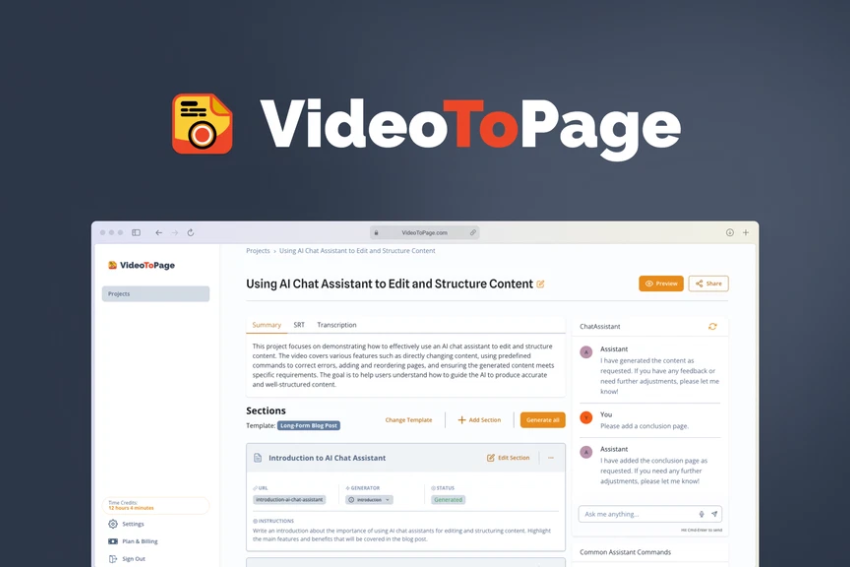
The AI chatbot assists you in modifying the content. You can add, remove, or change parts of the text by simply chatting with the bot. This makes editing fast and straightforward.
Real-time Editing
Videotopage includes a WYSIWYG editor. This lets you edit and format your content in real time. No coding skills are required. You can make sure the final product matches your creative vision.
Seo Optimization
The tool helps you create SEO-friendly content. It automatically interlinks pages for better navigation. You can also export the content in various formats like web pages, markdown, or SRT files.
Who Can Benefit from Videotopage?
- Bloggers: Easily turn video and audio into blog posts.
- Course Creators: Create course modules from recorded lectures.
- YouTubers: Repurpose videos into written content.
Videotopage Plans and Features
- Unlimited audio and video content generation.
- Unlimited pages.
- 99.8% accuracy.
- Supports up to 60 languages.
- Processes files up to 5 hours long.
- Uses OpenAI and Anthropic for enhanced AI capabilities.
Why Choose Videotopage?
Videotopage saves you time and effort. It automates the transcription process and optimizes your content for SEO. This makes it easy to reach a wider audience. Plus, with the Videotopage Lifetime Deal, you make a one-time payment for lifetime access.
Customer Reviews
Videotopage has a 4.67-star rating from 18 reviews. Users love how easy it is to transform their video and audio into text. They also appreciate the AI chatbot assistance and the real-time editing capabilities.
Get the Videotopage Lifetime Deal Today!
Don’t miss out on this amazing opportunity. Get the Videotopage Lifetime Deal today and transform your content creation process. Make your video and audio content work harder for you by turning it into SEO-friendly text with ease.
For more information, visit the Videotopage Lifetime Deal page.
Frequently Asked Questions
What Is Videotopage?
VideoToPage is an AI tool for transcribing and repurposing video and audio content into text.
How Does Videotopage Work?
VideoToPage uses AI to transcribe video and audio into text, then formats it for SEO.
Can I Edit The Transcribed Content?
Yes, VideoToPage includes a WYSIWYG editor for real-time content editing.
Is Videotopage Good For Seo?
Yes, it automatically optimizes transcribed content for better search engine visibility.
FREE TOOLS
LinkedIn Text Formatter
Elevate your LinkedIn presence with our free Text Formatter! Easily apply bold, italic, underline, and various other stylish text formats to your posts.
Make your content pop and grab attention effortlessly!


